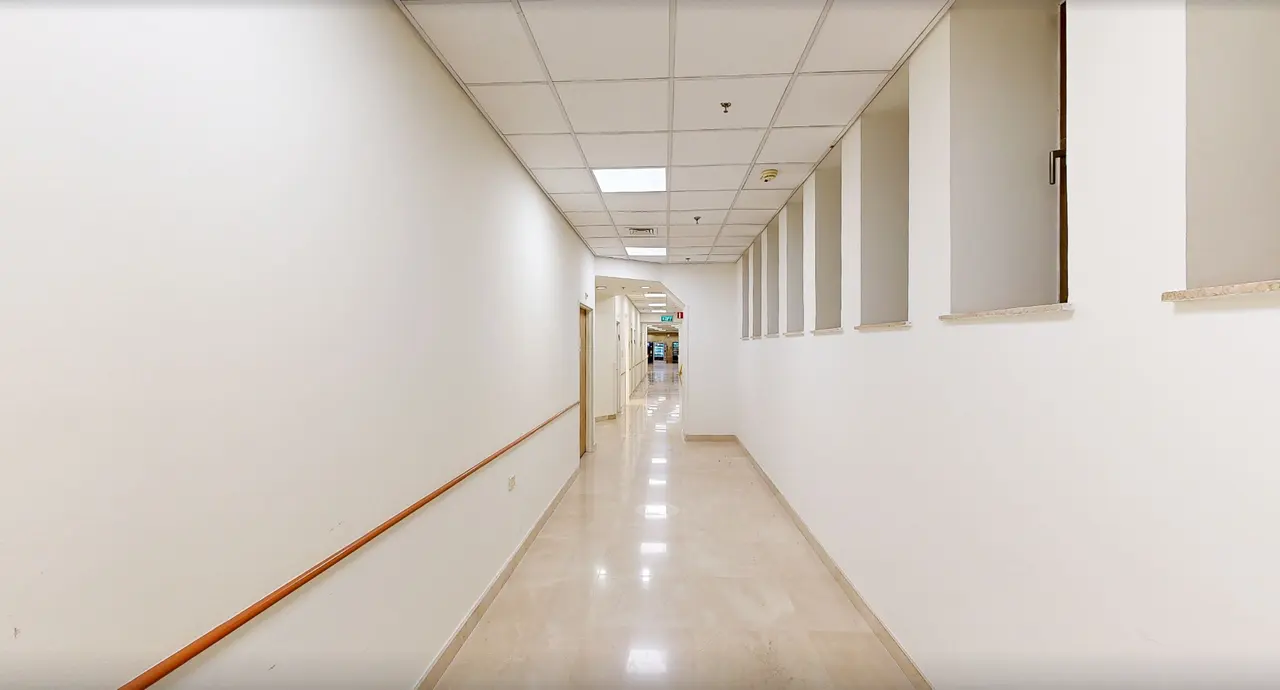
Indoor Wayfinding
Nobody gets lost in your building
A visitor scans a QR sign or opens a link, picks where they need to go, and is guided step by step inside the building’s digital twin. No app, no hardware, any phone.
Live today at Beilinson Medical Center and Kaplan Medical Center, Israel
Hospitals are among the hardest buildings to find your way in
- Visitors and patients arrive stressed, search for the right department, and are late for appointments.
- Staff stop what they are doing to give directions, again and again.
- Signs and static maps don’t answer the real question: how do I get from here to there?
How it works
Step 1
We scan the building
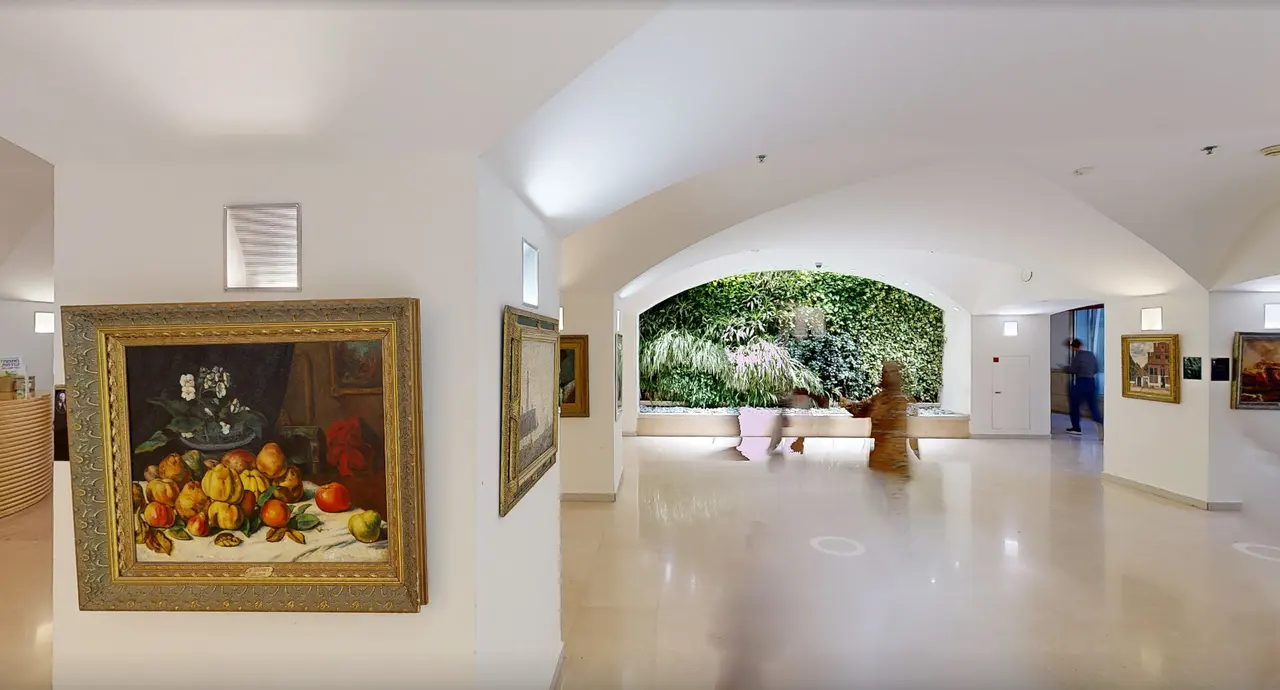
A Matterport scan of corridors, entrances and departments becomes an accurate digital twin you can move through.
Step 2
We set the destinations
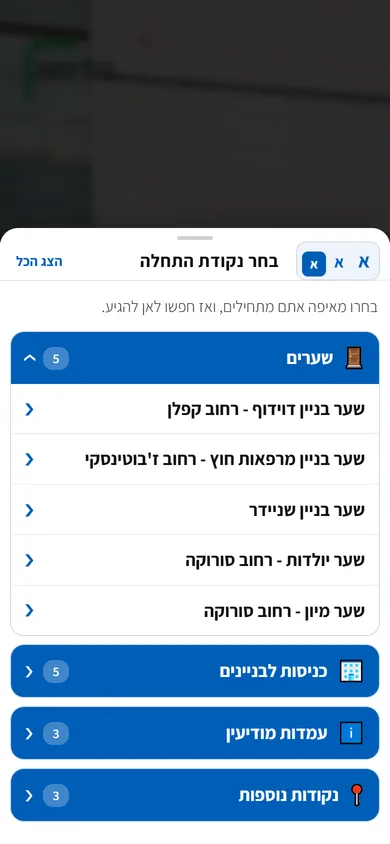
Departments, clinics, gates and service points, named the way visitors actually search for them, including alternative names.
Step 3
We place QR signs
Every sign knows where it stands. Visitors scan it and navigation starts exactly where they are.
Step 4
You measure and improve
Analytics show what people search for, where they start and where they get confused, so you can fix signs, names and routes.
One whole route, start to finish
A real recording from the Beilinson system. The visitor stands at the ER gate, types "outpatient clinics", picks the imaging institute, and is led across the campus, up the stairs and into the lobby.
Sped up 1.6x, no sound.
Try it yourself: the Beilinson wayfinding system
This is the real system visitors use at Beilinson. Pick a language, choose a destination, and watch the guidance work.
The demo loads only when you click, so this page stays fast. Or open it full screen (opens in a new tab)
What visitors get, and what you get
- Starts at the sign
- Scanning a QR sign sets the starting point. Visitors can also pick an entrance or gate from a list.
- Search that forgives typos
- Finds the destination despite spelling mistakes, partial names or a department’s alternative name.
- Guided at the visitor’s pace
- The route plays inside the tour with a countdown, pause and speed control, plus a route summary at the end.
- Four languages
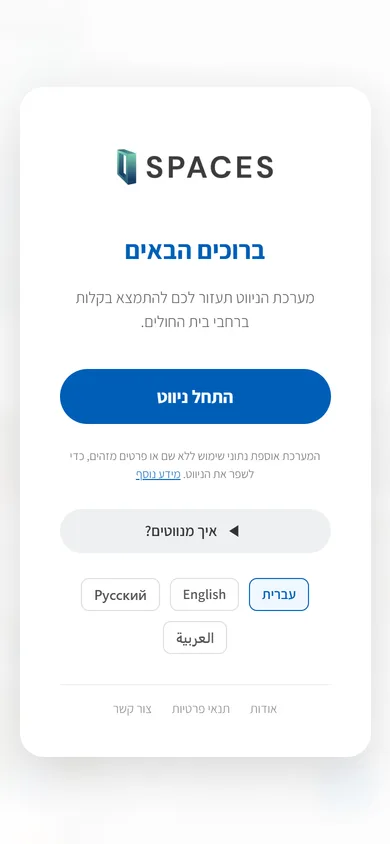
- Hebrew, Arabic, Russian and English, chosen on a welcome screen.
- Accessibility built in
- Accessibility adjustments in the interface itself, so navigation serves every visitor.
- Data for managers
- 31 measured events in Google Analytics: searches, starting points, completed routes and drop-offs.
- Opens from anywhere
- A direct link to any destination can live on your website, in your app, in an appointment reminder or on a sign.
- Your brand
- Your logo, colors and wording, on the SPACES platform.
For everyone at the table
Operations and patient experience
Fewer questions for staff, visitors who reach the door, and data on where people get confused.
IT
Runs in the browser, nothing to install on devices and no connection to internal systems. Code is served in fixed versions with instant rollback.
Privacy and security
Visitors don’t sign up or share personal details. Measurement is statistical, through your own Google Analytics.
Where it runs
Beilinson Medical Center
Indoor navigation for visitors and patients, in four languages.
Kaplan Medical Center
Indoor navigation across the hospital campus.
Questions we get asked
Do visitors need an app?
No. Navigation opens in any phone browser, from a link or by scanning a QR sign.
What do you need from us?
Access to scan the building, a list of destinations with the names visitors use, and approval for sign locations. We do the rest.
How long does setup take?
It depends on the size of the building and the number of destinations. After an intro walk-through we agree on a clear timeline.
What happens when a department moves?
Names and destinations update without rescanning. A major physical change only needs a rescan of the area that changed.
Can it live inside our existing website or app?
Yes. Every destination is a link, so you can add it to your website, app, appointment reminders or signs.
More products on the same digital twin
- 1Indoor WayfindingGuided navigation inside the digital twin, from a QR sign to the door. No app.You are here
- 2Safety Twin (Hebrew)Emergency drill management for security teams, inside the building’s digital twin.
- 3Shoppable Tour (Hebrew)Every item in the showroom tagged with price and size, linked to its product page.
- 4Real Estate Twin (Hebrew)Project and property tours fully branded for the developer, in Hebrew and English.
- 5Scanning & Digital Twin (Hebrew)Matterport scanning into a branded virtual tour, the base for every other product.
Let’s see it in your building
A short call: we learn about your building and needs, and walk you through a live demo.